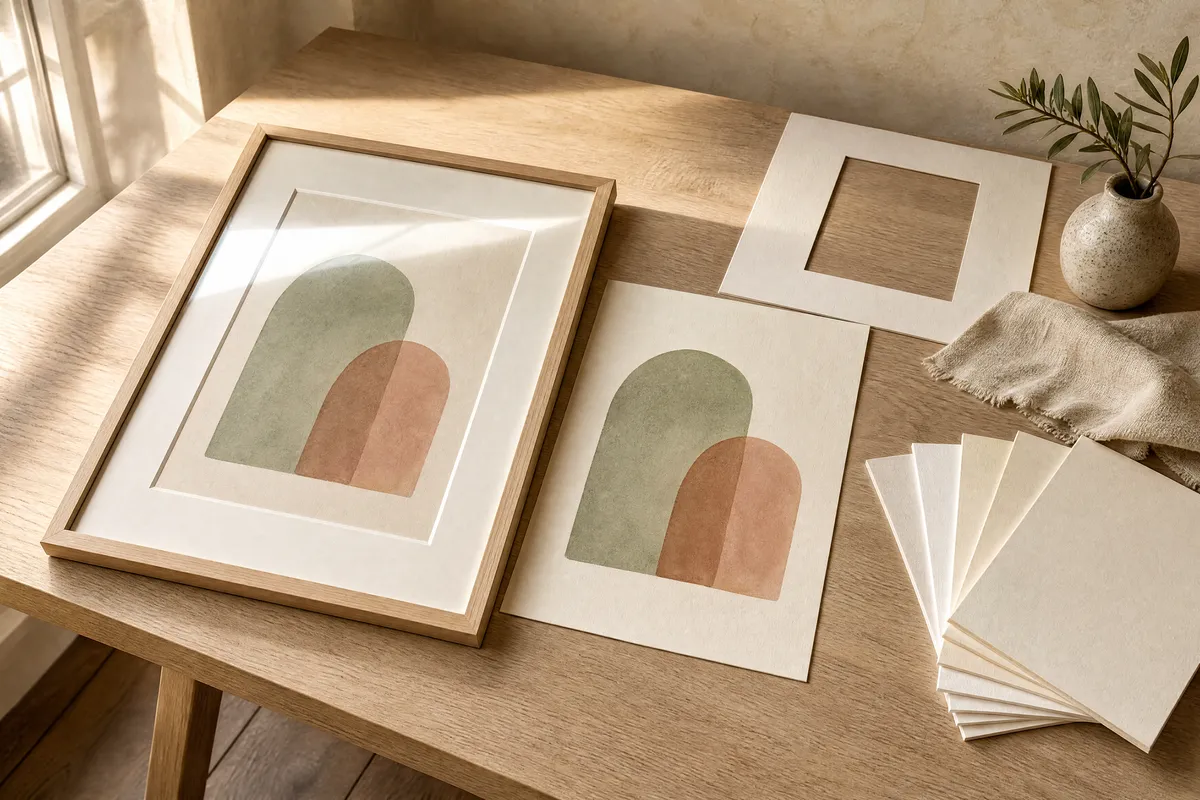
A shop that prints your A3 in a few minutes is almost certainly running a digital press, which lays down laser toner. Toner sits on top of the sheet and reflects light. That happens on matte paper too. Choosing the heaviest, most expensive matte option on the dropdown will not remove it.
The finish you are picturing — flat, chalky, no glare — comes from a different machine: a large-format pigment inkjet, the kind that prints on rolls. Ask which one the shop has before you choose a paper, because that single question decides the look, and it is never on the order form.
The good news for anyone printing something to frame: once there is a mat between the print and the glass, paper weight matters far less than the internet suggests. Somewhere between 160 and 200 gsm is comfortable, and the differences inside that band are small.
The question, asked by someone with a gift to wrap
On 31 August someone posted to r/Printing with a question that is more common than its two upvotes suggest. Under the heading “What paper should I use to print a poster?” they wrote: “I’m currently looking at printing a poster, framing it, and giving it as a gift. I have very little experience with printing though so I have no idea what paper to use.” They pasted the dropdown from their print service and asked, “What would be the best to make the poster look high quality but not too shiny?”
Being straight about the source: this is a small thread. Four comments, two upvotes. It is not a trend and we are not going to dress it up as one. What makes it worth reading is who answered — three people who print for a living, including one whose account carries the subreddit’s Paper Pro flair and another flaired Certified Printer — and that they converged without contradicting each other.
The answer nobody puts on the order form
The most useful reply reframes the question entirely. Looking at the dropdown the poster had shared, one commenter reasoned backwards from what was on it — an A3 size option, a laminate finishing option, no finish information anywhere — to what machine must be behind it:
“This printer uses a digital press, or larger professional color copier. These printer types would use laser toner as their ‘ink’ type. This will be inherently shiny on that page no matter the paper type.”
That is the sentence to keep. The stock you pick from the dropdown is not what determines glare. The press is. And they follow it with the fix:
“For no shine look for somebody with ‘large format’ printing. This is often an inkjet that prints on rolls. It would use pigment ink and be matte. Some photography printers will also use these.”
Two machines, two looks, and the customer is never told which one they are buying. A3, for reference, is 29.7 × 42.0 cm.
Why the frame changes the maths
The same commenter makes a second point that is easy to miss, and it saves money:
“If you’re putting the poster in a frame, especially a frame with a matte [art should never touch the glass] the weight of page will matter less since it’s not being directly handled by the ‘customer’.”
Paper weight mostly buys you two things: a sheet that feels substantial in the hand, and one that resists buckling when it is unsupported. Behind glass, with a mat holding it flat and off the surface, nobody handles it and nothing is unsupported. The premium you would pay for the very heaviest stock goes into a property the finished object never uses.
The mat itself is not optional, and that bracketed aside is the reason. Art pressed directly against glass can stick to it over time, especially anywhere humid. A mat holds an air gap. This is the one component worth not skipping.
What weight the professionals actually use
Three answers from three people who print posters commercially, all on the same day:
| Who answered | The weight they name | What they say about it |
|---|---|---|
| A commercial poster printer | 180 gsm | ”Our poster paper is 180gsm and it’s thin, rollable for easy shipping in tubes, but still a nice weight for that category to feel valuable.” |
| A second printer | 200 gsm, quoted as 8 mil | ”We use a 200gsm / 8 mil for our poster printing. It’s not thin but not too thick to roll up.” |
| An account flaired Certified Printer | 160 or 200 gsm | ”160 or 200 gsm will be a good option here” |
The whole professional range in that thread is 160 to 200 gsm. That is the answer to the original question, and it is narrower than the dropdown implies.
One conversion, because one of them reached for an imperial unit: 8 mil means eight thousandths of an inch, which is 0.20 mm. Thickness and weight are not the same property — a bulky, textured sheet and a dense, smooth one can weigh the same and measure differently — but for ordinary poster stock they track closely enough that shops use them interchangeably.
Two directories that tell you which press a shop runs
The most practical thing in that thread was not a paper recommendation. It was two lists, both of which we opened and confirmed are live.
The Canson Infinity certified print lab directory lets you search by area. The Hahnemühle Certified Studios programme is the equivalent from the other major fine-art paper maker, and its own page currently puts the network at 257 certified studios.
The commenter recommending them disclosed being part of one, which is worth stating plainly rather than quietly dropping. Their description of what certification means: labs on either list are vetted for paper handling and colour accuracy.
What makes these directories genuinely useful is not the badge. It is that a shop stocking certified fine-art papers is a shop that owns a pigment inkjet, because those papers exist for that machine. The directory is an indirect answer to the question the order form will not answer directly.
What the same print costs from two online labs
If there is no suitable shop near you, the online fine-art printers publish their specs openly, which makes them easy to compare. Both figures below were read on the vendors’ own pages on 2 September 2026.
| FinerWorks Premium Giclee, Regular | Prodigi Enhanced Matte Art | |
|---|---|---|
| Paper weight | 310 gsm | 200 gsm |
| Thickness | 21 mil, which is 0.53 mm | not published |
| Surface | natural-white, matte, textured watercolour feel | smooth, matt, natural white |
| Method | giclée | giclée, pigment inks |
| Price shown | $13.00 for a 20.3 × 25.4 cm print | from $3.49 |
| Size range | 10.2 × 10.2 cm up to 101.6 × 228.6 cm | 10.2 × 15.2 cm up to 254 × 127 cm |
Two honest caveats on that table. The FinerWorks price is for the print only and excludes shipping and tax, and the listing is a style with a 5 cm extra border added, which is generous for framing and worth knowing before you size your file. The Prodigi price is a “from” figure, meaning it is the smallest size, and their Pro plan at $47 a month billed annually takes 15% off product pricing — which only pays back at volume, so it is a seller’s number, not a gift-buyer’s.
Both describe themselves as giclée on pigment inks, which is the large-format inkjet the r/Printing commenter was pointing at. That is the point of listing them here, more than the prices.
Before you order, ask these
- Do you print this on a digital press or a large-format inkjet? If the answer is a digital press or a colour copier, expect some sheen whatever paper you pick.
- Is the paper matte, and is the ink pigment or toner? Matte paper plus toner still reflects.
- What weight, in gsm? Anywhere from 160 to 200 gsm is what professionals use for posters. Heavier is not wasted, but behind a mat it is mostly unused.
- Will it ship flat or rolled? Rolled arrives with a curl that needs a day or two flat under something heavy before it will sit properly in a frame.
- Are you buying a mat as well? Art should not touch the glass, and this is the component people skip.
None of that requires knowing anything about paper. It requires knowing that the machine, not the menu, decides how the finished thing looks — which is the one fact the order form leaves out.
Pin this guide
Save any of these to your Pinterest boards — they link straight back to this guide.
Pin 1 of 2 — save to Pinterest 
Pin 2 of 2 — save to Pinterest